
I’ve been working in the IT and data domain for more than six years, and AI tools are now part of my daily workflow. From early morning until the end of the day, I interact with multiple AI tools—sometimes knowingly, sometimes without even realizing it.
This article is not about promoting tools or pushing affiliate links. It’s about sharing what actually works, what doesn’t, and where people often waste money.
Why I Ended Up Using So Many AI Tools
My work is not limited to a single area. On a regular basis, I deal with:
Data analytics and reporting
Machine learning concepts and experimentation
Large data cleaning and transformation tasks
Writing and framing professional emails
Developing applications using AI assistance
Because of this, I naturally end up testing many AI tools.
For example:
For large data cleaning, I’ve used AI-assisted data preparation tools.
For emails and documentation, I often rely on organization-provided tools like Microsoft Copilot.
As a developer, I’ve built apps almost entirely using AI support—code suggestions, logic validation, debugging help, and UI ideas.
Over time, this exposed me to dozens of AI tools—some genuinely useful, many overhyped, and quite a few that are simply expensive wrappers around existing models.
The Reality of the AI Tool Market Today
One thing became very clear to me:
Every day, new AI tools are launching.
Most of them fall into one of these categories:
ChatGPT wrappers with a fancy UI
SaaS tools built on top of existing APIs
Narrow-use tools marketed as “revolutionary”
And almost all of them are paid.
The pricing often doesn’t match the value. Some tools charge a significant monthly fee for features that are barely used once or twice a week.
This made me step back and classify AI tools based on how they are actually offered.
The Three Types of AI Tools I Observed
After using many tools consistently, I realized almost all AI tools fit into three clear categories.
1. Completely Paid AI Tools
These tools require payment from day one. No trial, no free tier, no meaningful demo.
In some cases, this makes sense—especially for enterprise-grade tools with real infrastructure and support. But many tools in this category are simply not worth the cost for individual users or small teams.
These tools usually target:
Enterprises
Agencies
Heavy daily usage scenarios
For a solo user, most of them are overkill.
2. Trial-Based, Then Paid AI Tools
This is the most common model today.
You get:
A limited free trial
Feature restrictions
Usage caps
After the trial ends, you are forced into a paid plan.
This category includes many popular tools. Some of them are genuinely good. Others are designed to impress during the trial and disappoint later.
This model works when:

You clearly understand your use case
You know you’ll use the tool regularly
The pricing aligns with real productivity gains
Otherwise, it becomes an unnecessary monthly expense.
3. Completely Free AI Tools
Here’s where people often misunderstand how AI works.
AI systems consume:
Massive compute power
Large data centers
Significant electricity
Enormous amounts of water for cooling
If you’re interested in understanding how much water a claude AI application consumes, I’ve already written a detailed blog about it on this site.
So logically, a question arises:
How can AI tools be free if they consume so many resources?
The honest answer is:
Most of them can’t, at least not at scale.
When Free AI Tools Actually Make Sense
Free AI tools make sense in one specific scenario.
If:
The AI model runs locally on your system
You are the only user
Your tasks are small or moderate
You have 8GB or 16GB RAM
Then yes, AI can feel “free”.
In this case:
Your system bears the cost
There’s no massive server load
No data centre scaling required
For individual learning, experimentation, or light usage, local or open-source AI tools are often enough.
But once scale enters the picture, “free” becomes unrealistic.
The Biggest Mistake People Make With Paid AI Tools
One common mistake I see is this:
People subscribe to paid AI tools without understanding how often they will actually use them.
Just because a tool looks powerful doesn’t mean it will be useful in your daily workflow.
In my case:
Some tasks only need AI occasionally
Some can be handled perfectly by free or organization-provided tools
Paying monthly for rarely used features doesn’t make sense
This is especially true for individuals, students, and early-stage creators.
Paid vs Free: My Honest Take
Based on real usage, not marketing promises:
Paid AI tools are worth it when they save you time every single day.
Free tools are enough for learning, experimentation, and light tasks.
Many paid tools are not essential, especially if you already have access to enterprise tools like Copilot.
Not every AI task requires a premium subscription.

The best approach is not choosing “paid” or “free” blindly, but choosing what fits your actual workflow.
Final Thoughts
AI tools are powerful, but they are also a business.
Understanding:
How they are built
What resources they consume
Why pricing exists
helps you make better decisions.
You don’t need every new AI tool that launches. You don’t need to pay for tools you barely use. And you definitely don’t need to chase hype.
Use AI where it adds value, not where it just looks impressive.
The tools personally I used and tested and felt these are the free actual alternatives that can be used. I will share my view.
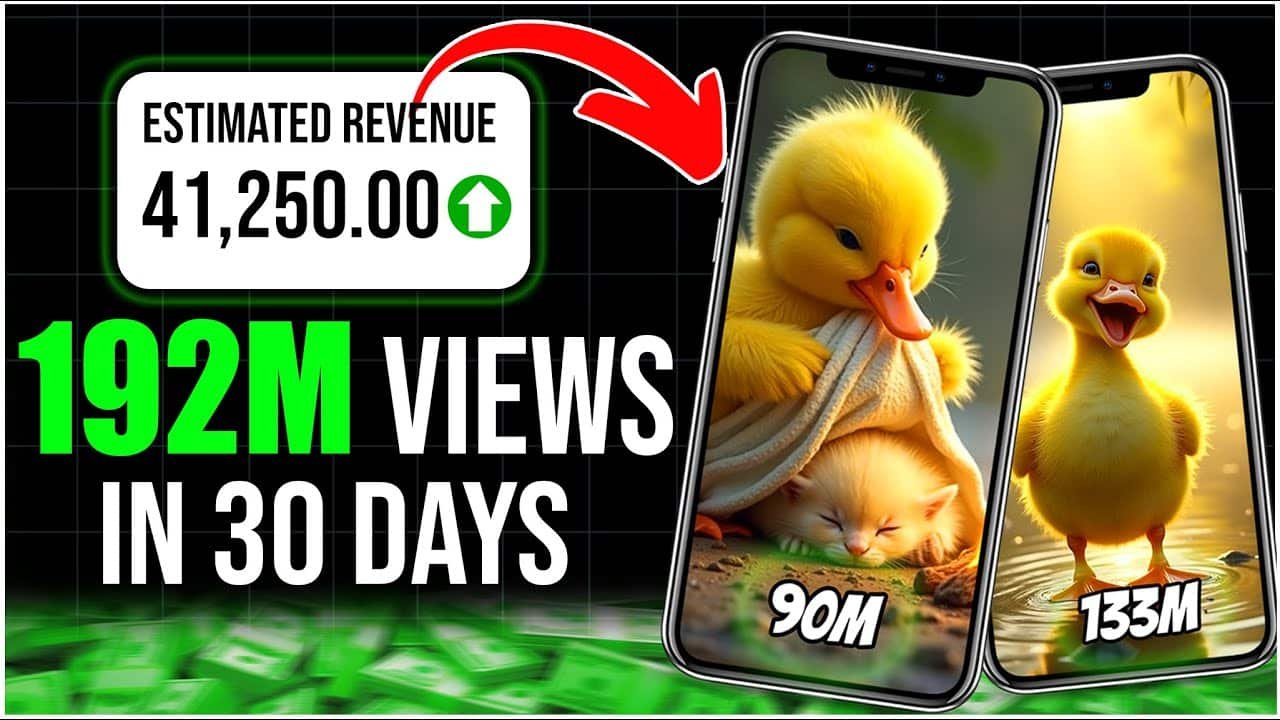
So I was searching the internet and I can see many AI-related YouTube channels. If you are interested in making AI YouTube channels like DuckQuest, you can read my step-by-step guide.
Now coming to the point. To generate this kind of YouTube videos or AI videos or ad videos, it will take so much money if you use any paid tool.
For example, VO3 is the best paid tool. Google VO3 charges $249 monthly. But if you want to try the same kind of features and almost the same quality, you can use a free alternative called Sora2. Using Sora2, I have personally made AI videos and they are pretty good. It’s almost matching VO3 quality. If you want to try, you can give it a try.
In my daily job activity, I generally create images for presentations, infographics, etc. Image creation obviously takes a lot of resources. I found that the best paid tool is SeedRab4, which charges $39 monthly. But you can replace this paid tool with a free alternative called NanoBanana, which charges $0 monthly.
Similarly, when I create reports in my data analytics work, I sometimes want to display a video to the client. Instead of going through dashboards manually, the client can enjoy the video and understand things easily. For this purpose, I explored multiple AI tools and found a cinematic creation AI tool called RunWaveML, which charges $76 monthly. But it is difficult to pay that amount for real use when you need it only one or two times.
Then I came across a tool called WAN 2.6, which charges $0 monthly and provides almost similar cinematic creations and avatar creation.
If you want avatar creation specifically, I found a tool called HengGen, which charges $36 monthly. The free alternative for the same is SadTalker, which I personally use for creating avatars in my daily work.
There is also a very famous tool everywhere called ElevenLabs for audio generation. Sometimes, to match client slang, I use audio generation AI tools. For example, if I’m handling a UK client, I want to use UK-style voice so the client feels more comfortable. ElevenLabs charges almost $99 monthly, which is expensive for minimal use.
So I searched for alternatives and found MiniMax, which charges $0 monthly. I tried it and I’m currently using it.
For documentation work, I need copywriting tools. I found a paid tool called Rytr.me, which charges $9 monthly. But there is also a free alternative called Writesonic, which I used.
In corporate work, presentations are very important. There are hundreds of tools available. If you want a step-by-step tutorial on how to create presentations using AI, I have already written a detailed blog on that.
Coming back to AI tools, I found Plus AI as one of the best paid presentation tools, which charges $20 monthly. But there is a free alternative that matches almost all functionalities, called Gamma AI.
These are the tools that I personally handled in my day-to-day work life. There are other tools as well in different categories.
Comprehensive Paid vs Free AI Tools Comparison (By Category)
This comparison focuses on paid versus free options. For a more detailed breakdown of AI tools across different categories, you can explore my AI tools directory.| Category | Paid AI Tools (Examples) | Free / Alternative Options | Honest Verdict |
|---|---|---|---|
| General AI Assistant | ChatGPT Plus, Claude Pro | ChatGPT Free, open-source LLMs | Paid helps for heavy daily usage |
| Email & Office Productivity | Microsoft Copilot | Gmail Smart Compose, templates | Paid only if org provides it |
| Code Generation & Debugging | GitHub Copilot | ChatGPT Free, Stack Overflow | Paid saves time for daily devs |
| Data Cleaning & Analytics | AI data prep SaaS tools | Python (Pandas), SQL, Excel | Free tools still dominate here |
| Machine Learning / ML Ops | Paid AutoML platforms | Scikit-learn, TensorFlow | Paid only for scale |
| Content Writing (Blogs, Ads) | Jasper, Copy.ai | ChatGPT Free + editing | Mostly overpriced |
| SEO Content Optimization | SurferSEO, Clearscope | Manual SEO + Search Console | Paid optional, not mandatory |
| Image Generation | Midjourney | Stable Diffusion (local/free tiers) | Free works if setup is ok |
| Video Creation | Paid AI video tools | Manual editing + stock media | Paid saves time, not quality |
| Speech-to-Text | Enterprise transcription tools | Whisper (open-source) | Free is accurate enough |
| Text-to-Speech | Premium voice platforms | Open-source TTS engines | Paid only for commercial use |
| Resume / Cover Letter AI | Paid resume builders | ChatGPT Free + templates | No need to pay |
| Customer Support Bots | Paid chatbot platforms | Rule-based bots + FAQs | Paid for scale only |
| No-Code / Low-Code Apps | Paid AI app builders | Manual dev + AI assistance | Paid limits flexibility |
| Design Assistance | Canva Pro AI | Canva Free, Figma free | Paid for teams only |
| Research & Summarization | Paid research copilots | ChatGPT Free, manual reading | Free is sufficient |
| Education / Learning AI | Paid learning platforms | Free AI + docs | Don’t overpay |
| Local / Offline AI | N/A (mostly free) | Open-source local models | Best for privacy |
How to Read This Comparison Table
The comparison table above is not a generic list collected from promotional pages. It reflects patterns I’ve personally observed after using AI tools across different categories for real work.
I interact with AI tools daily—for analytics, development, documentation, and experimentation—so the categories in the table are based on actual usage scenarios, not marketing labels.
The tools listed are examples of commonly used options in each category. Inclusion in the table does not automatically mean a recommendation.
How These Tools Were Evaluated
Each category in the table was evaluated using the following criteria:
Frequency of use: Is the tool useful daily or only occasionally?
Cost vs value: Does the paid version save meaningful time compared to free alternatives?
Practical limitations: What happens after the free trial ends?
Dependency risk: Can the same task be done without this tool?
If a free or open-source tool could reasonably handle the task, it was listed as a valid alternative.
Why Many Paid AI Tools Feel Similar
One important trend became clear while comparing tools across categories:
Many paid AI tools today are built on top of the same underlying models and differ mainly in:
User interface
Workflow convenience
Usage limits
Support and integrations

This is why the table shows free alternatives for almost every paid category. In many cases, the capability gap is smaller than the price difference suggests.
Where Paid AI Tools Actually Make Sense
From real-world usage, paid AI tools are justified mainly when:
The task is repetitive and daily
The tool is integrated into an existing workflow
Time saved is greater than the subscription cost
The tool is used by teams, not just individuals
This is why enterprise tools (like organization-provided copilots) often make more sense than individual subscriptions.
Where Free AI Tools Are Enough
Free tools are often sufficient for:
Learning and experimentation
One-off or occasional tasks
Early-stage projects
Individual creators and students
In many categories shown in the table, free tools combined with human judgment deliver results comparable to paid options—without recurring costs.
Why “Completely Free AI” Is Rare
AI tools require:
Significant computing power
Large data centers
Electricity and cooling resources
Because of this, most “free” AI tools are either:
Limited in usage
Running locally on the user’s system
Temporary promotional offerings
Understanding this context helps set realistic expectations when choosing between paid and free tools.
A Practical Way to Use This Table
Instead of asking, “Which tool is best?”, a better question is:
“Which category do I actually need AI for, and how often?”
Use the table to:
Identify your real use cases
Eliminate tools you don’t need
Decide where paying actually makes sense
Final Note on Trust and Updates
AI tools evolve quickly. Features, pricing, and free tiers change frequently.
This table represents a snapshot based on real usage and observation, not a permanent ranking.
Readers are encouraged to:
Test free versions first
Avoid long-term subscriptions without regular usage
Re-evaluate tools as workflows change



Heyy there excellent website! Does runing a blog like this require a large amount of work?
I’ve absolutely no knowledge of coding but I was hoping
to start my own blog soon. Anyhow, should you have aany recommendations or tips for new blog owners please share.
I know this is off topic nevertheledss I just wanted to ask.
Appreciate it!
Artikel ini sangat bermanfaat,
membuat saya lebih paham tentang topik yang dibahas.
Saya tertarik membacanya dan belakangan juga mengunjungi **MPO102**
yang menyediakan konten transaksi dengan penjelasan jelas.
Harapan saya semakin berkembang.