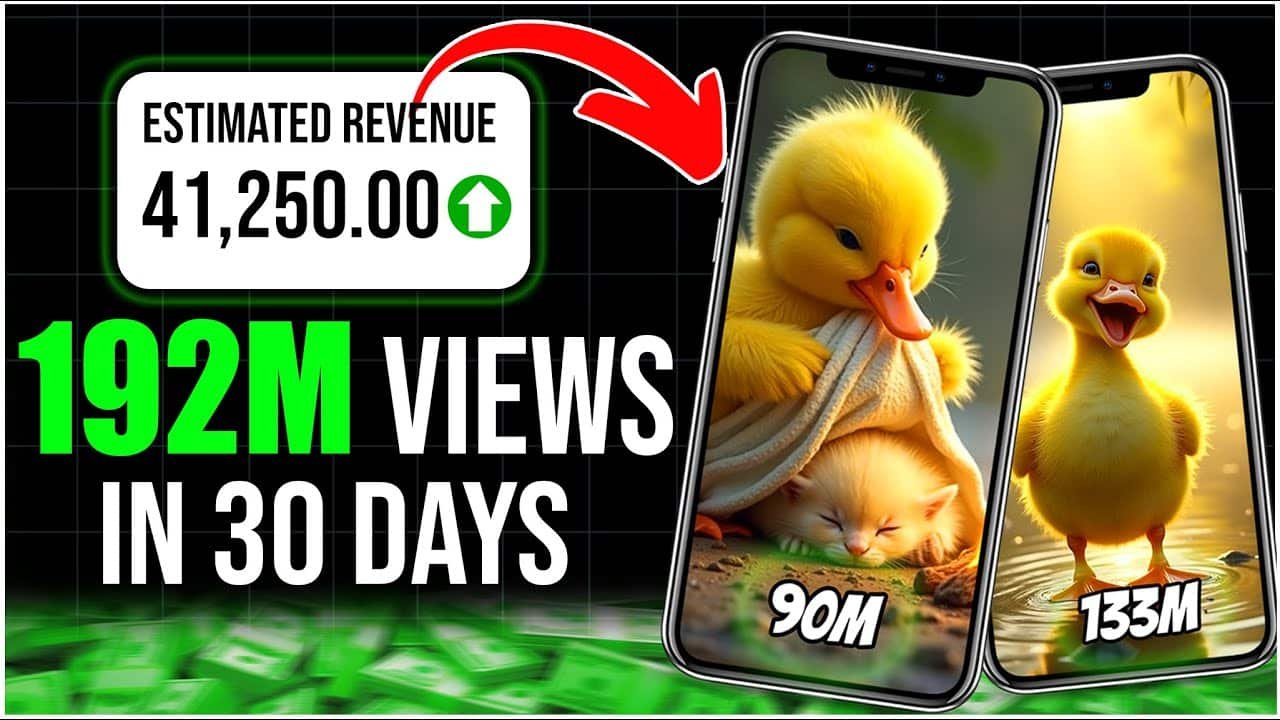
First, find a Viral AI Video with the most views from your competitor in the same niche.
Look at their idea and format. Once you have an idea, head over to ChatGPT.
In ChatGPT, type something like:
“Write a short story about a duckling that got stuck in a puddle and was saved by a kitten.”
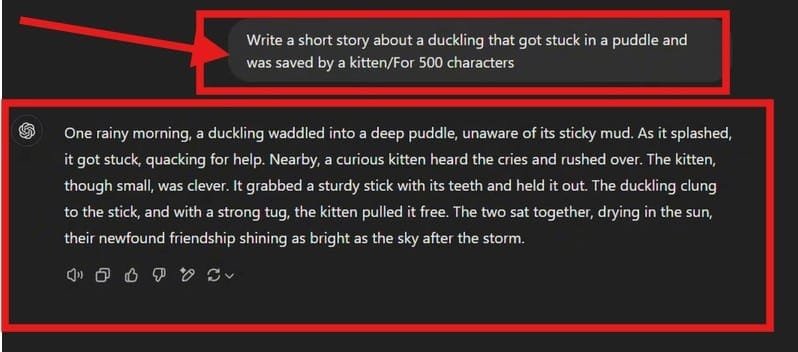
Within seconds, ChatGPT will generate a creative and engaging story for you. Now you have a solid foundation to work with.
Step 2: Generating Visuals with Leonardo AI
The next step is to turn this story into visual prompts. Describe the key moments in your story using clear, vivid language.
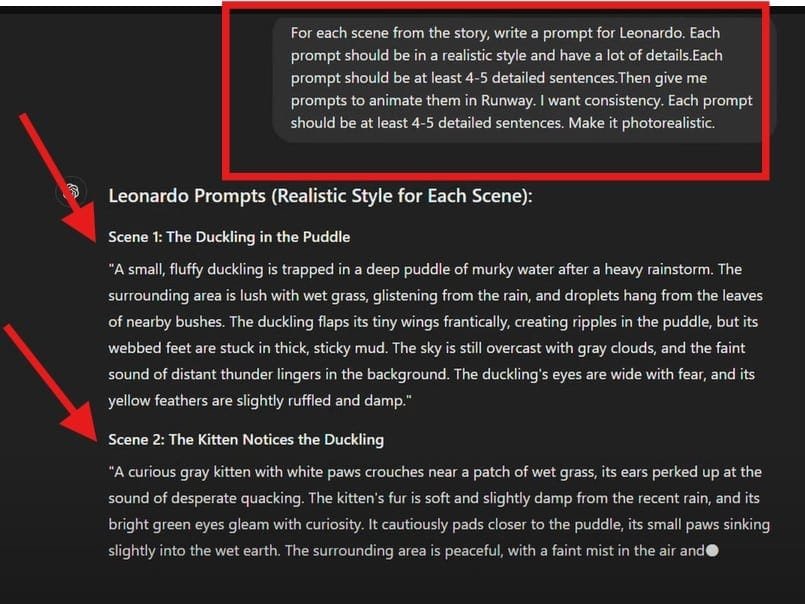
Once your prompts are ready, go to Leonardo AI:
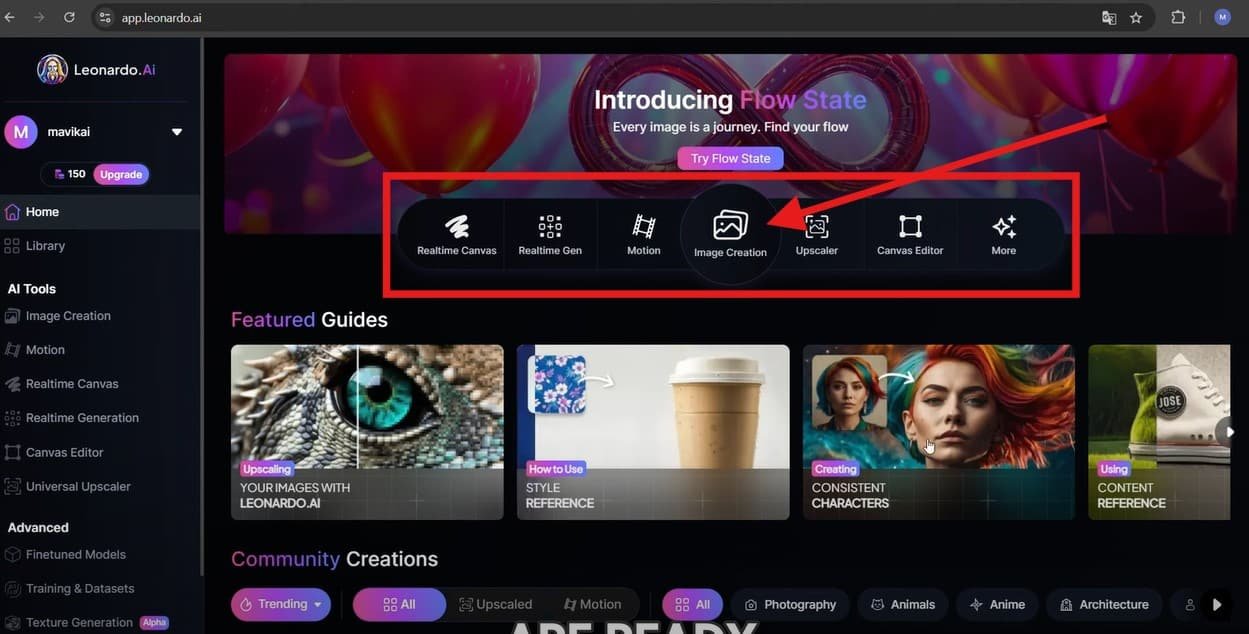
- Switch to Legacy Mode for better control.
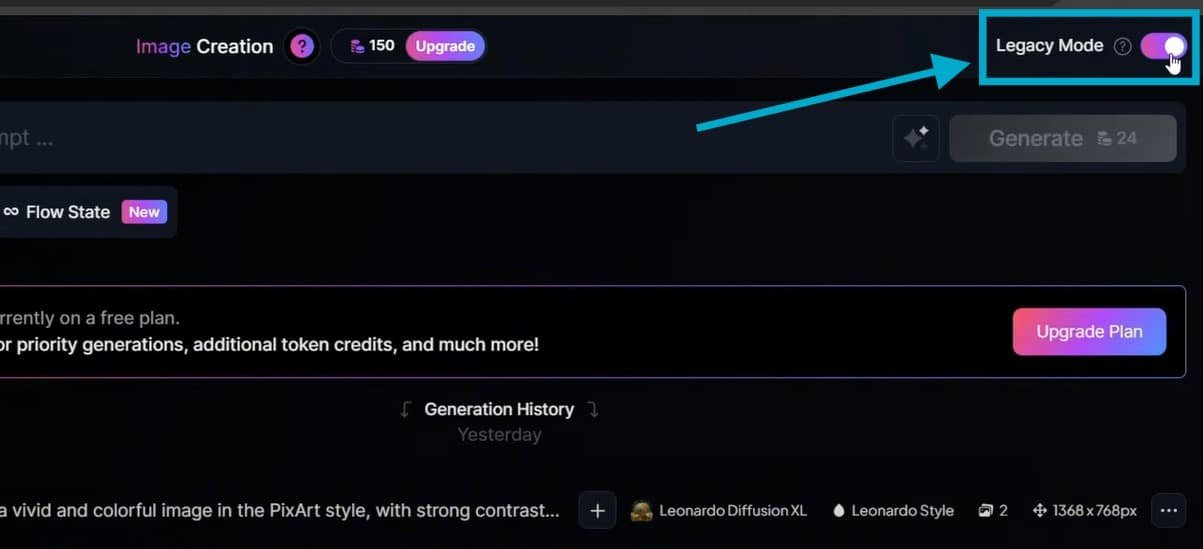
- Use the Leonardo Kino XL model (free access, great quality).
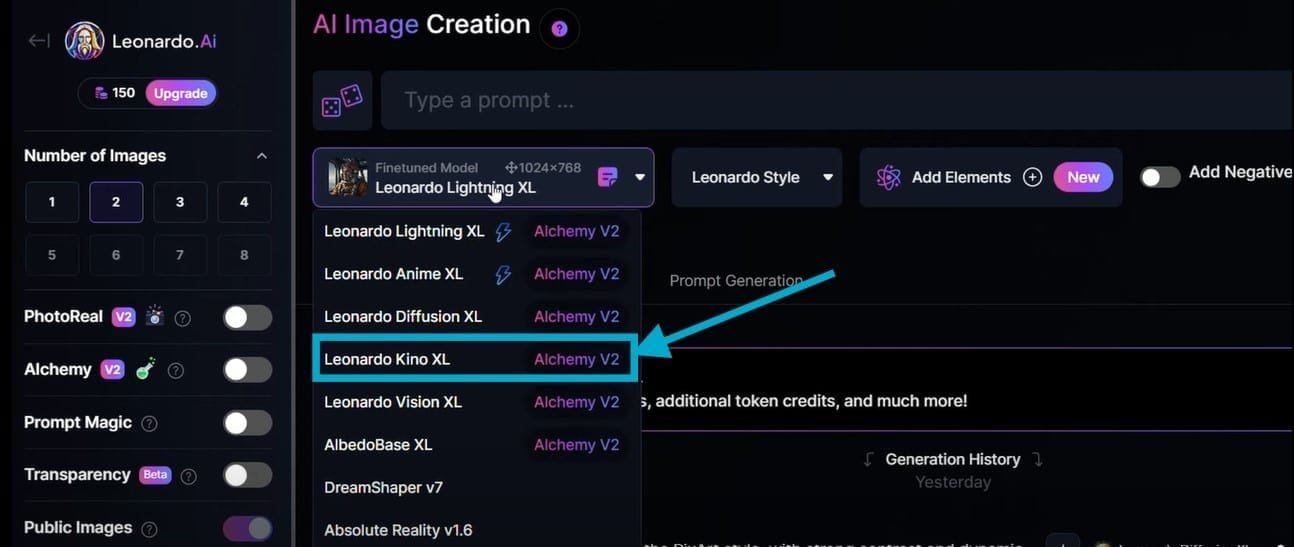
- Set image resolution to a vertical 9:16 ratio (perfect for Viral AI Videos on YouTube Shorts).
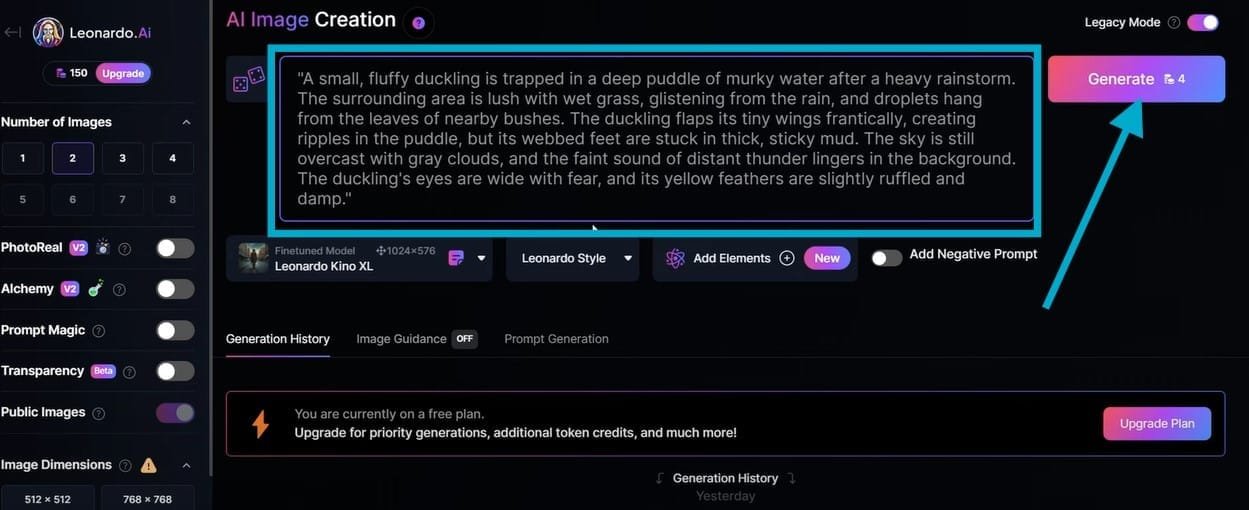
Enter your first prompt, and let Leonardo AI generate an image. Review each image carefully, as AI might produce small distortions. Repeat this process for all your prompts.
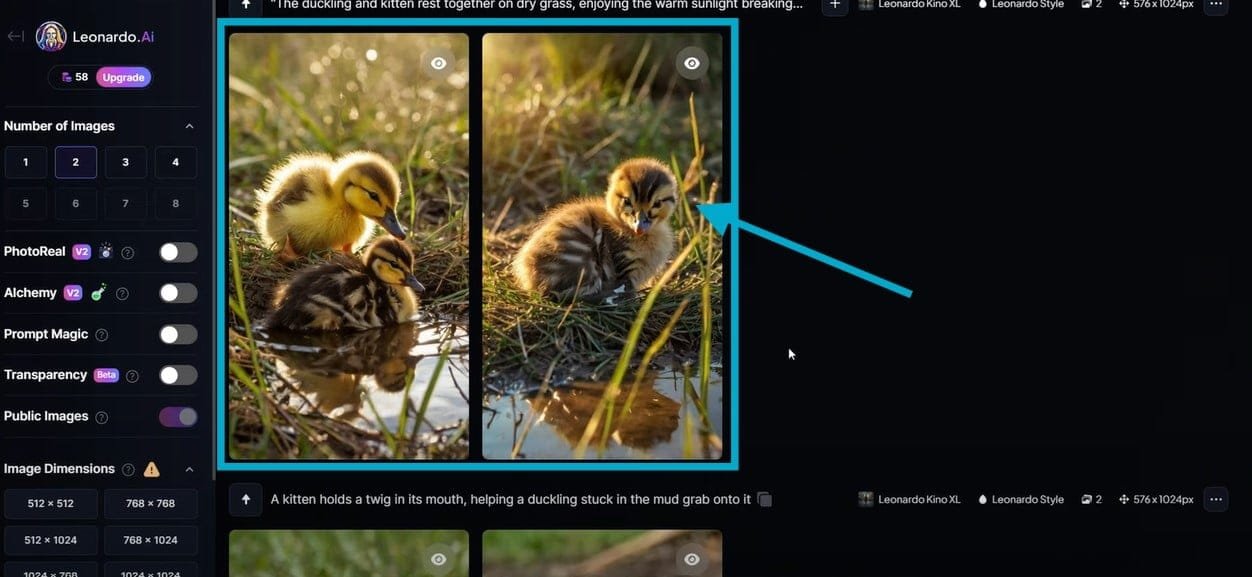
Once satisfied, save all the images to a folder for the next stage.
Step 3: Creating a Song with AI
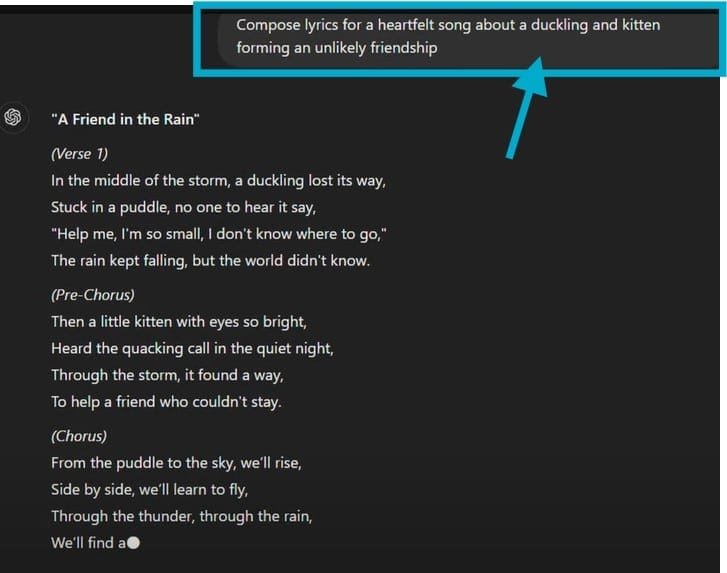
Now, head back to ChatGPT and type:
“Compose lyrics for a heartfelt song about a duckling and a kitten forming an unlikely friendship.”
ChatGPT will generate a song—review it to ensure it fits the mood of your story. We’ll handle the voiceover for the song later, but for now, let’s animate the visuals.
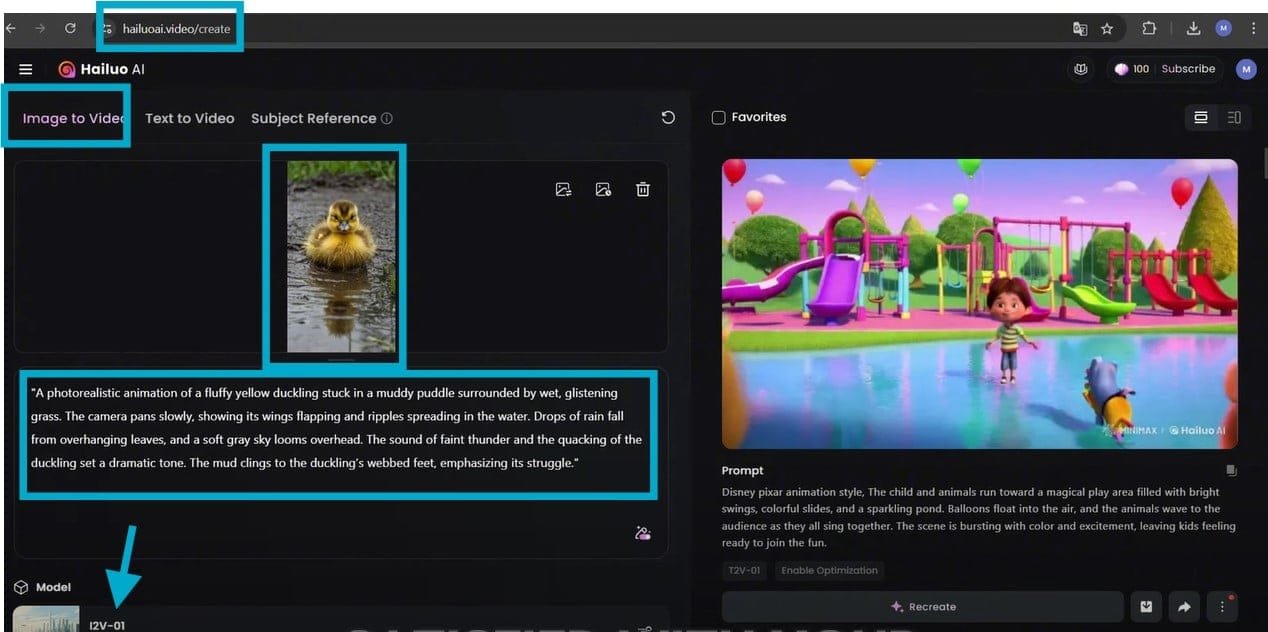
Step 4: Animating Your Images with Huo AI
To bring your images to life, use Huo AI, an amazing tool for animation. You’ll get free credits upon signing up, enough to complete your Viral AI Video.
- Go to Huo AI and log in.
- Select the Photo to Video mode.
- Upload your images.
- Use your Leonardo AI prompts in Huo AI to guide the animation.
- Choose the Old Mode (works better than the new version).
- Click Generate and let Huo AI animate your images.
Once all animations are complete, download them. The clips will have a watermark, but we’ll remove it in the editing stage.
Step 5: Creating the Song with Sonno AI
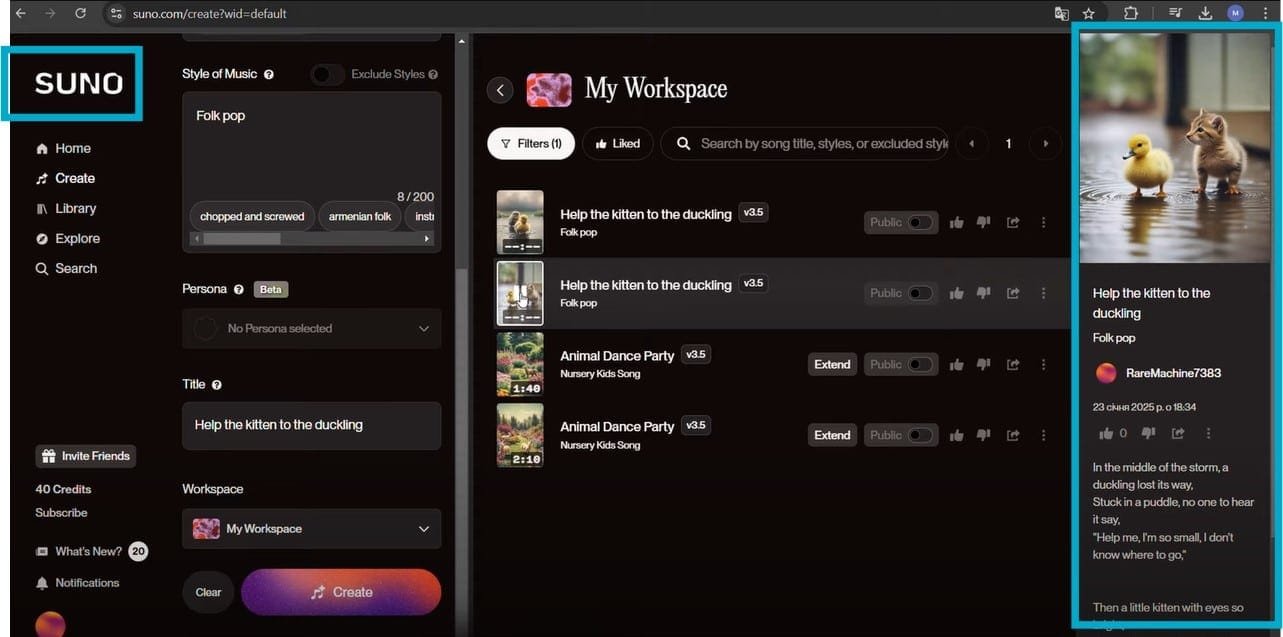
Head over to Sonno AI (link in the pinned comment). Here’s how to generate your song:
- Log in using your Google account.
- Click Create and enable Custom Mode.
- Paste your ChatGPT-generated lyrics.
- Select a song style.
- Hit Generate and let Sonno AI create your song.
If you like it, download it for your Viral AI Video.
Step 6: Editing in CapCut
Now, let’s assemble everything in CapCut:
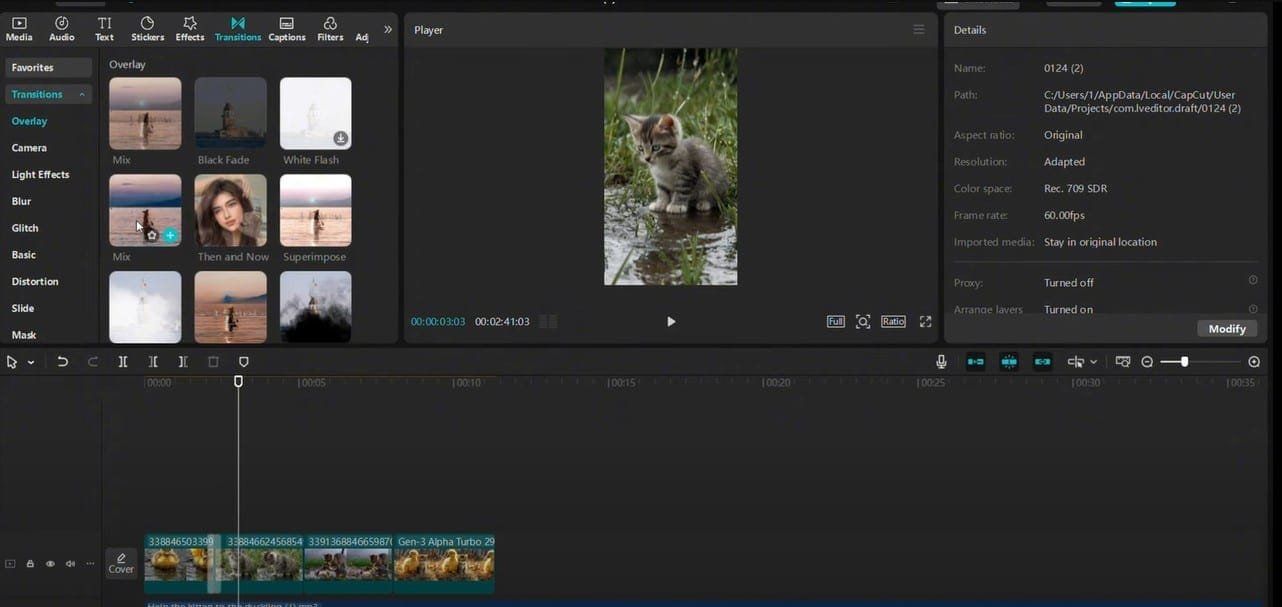
- Import all your assets (animated videos, song, etc.).
- Drag the song to the timeline.
- Adjust the music volume.
- Remove the watermarks by resizing or cropping the videos.
- Add transitions:
- Try Starlight, Slide Left, or Mix.
- Enhance with effects:
- Go to Effects Tab and sync them with key moments.
Now, your Viral AI Video is almost ready!
Want to turn AI creativity into cash? Check out our guide on how to make money with AI and start profiting from AI-powered content today
Step 7: Adding Sound Effects
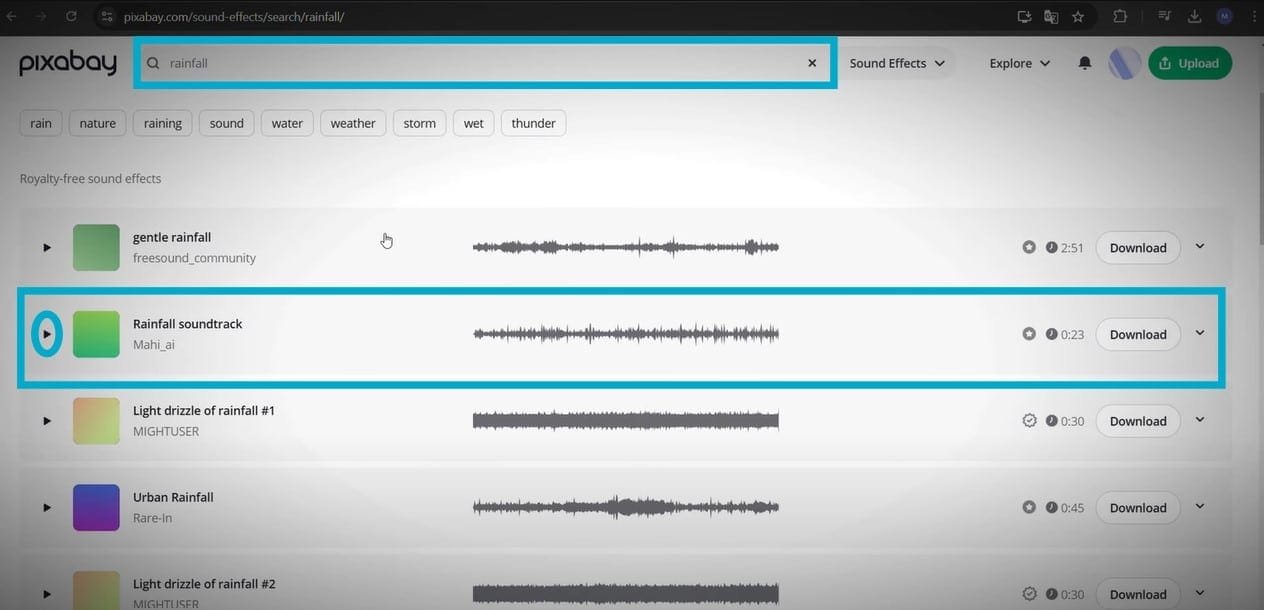
- Return to ChatGPT and ask for sound effect keywords.
- Use those keywords to search for sound effects on Pixabay.
- Select and add them to your CapCut timeline.
- Adjust the volume so it complements the video.
- Use sound effects sparingly (every 2-3 seconds for atmosphere).
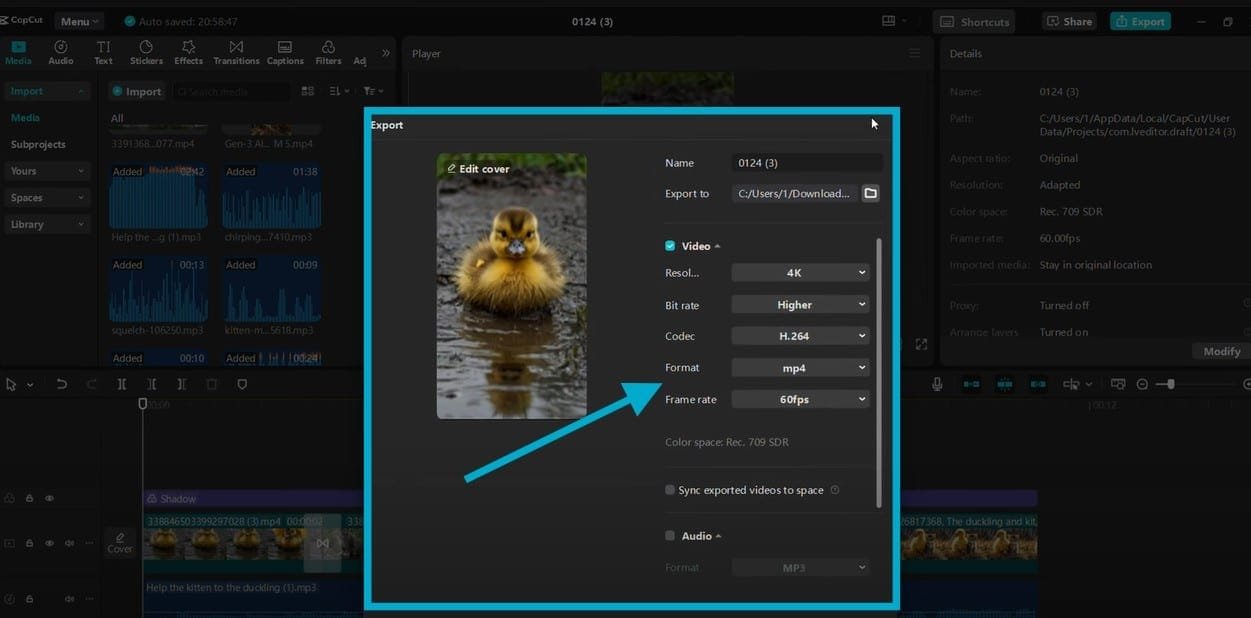
Step 8: Exporting the Final Video
- Click Export.
- Select 4K or 1080p resolution.
- Hit Export and wait for rendering.
Step 9: Making Money Without YouTube Ads
Now, let’s talk money! Instead of relying on YouTube ads, here’s how you can make money with Viral AI Videos:
If your goal is to explore broader and more sustainable ways to earn using AI beyond just video creation, I’ve covered different real-world approaches in my Make Money With AI guide.
1. Sell Digital Products
- Create eBooks, online courses, or templates.
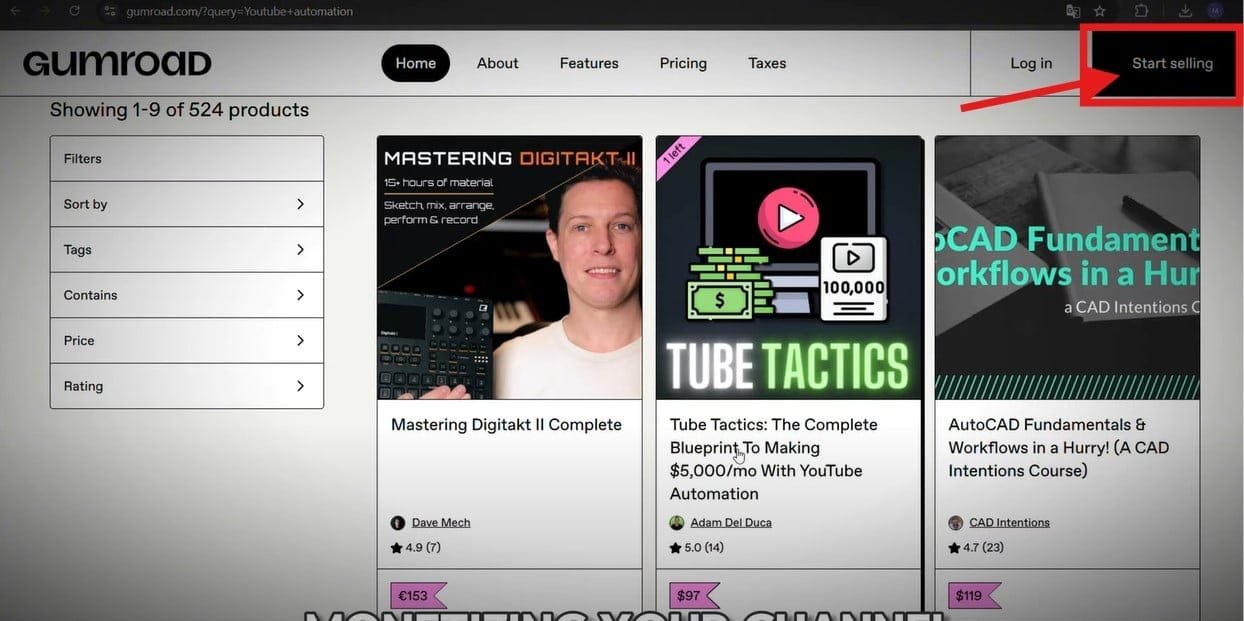
- Sell on Gumroad, Etsy, or your website.
2. Affiliate Marketing
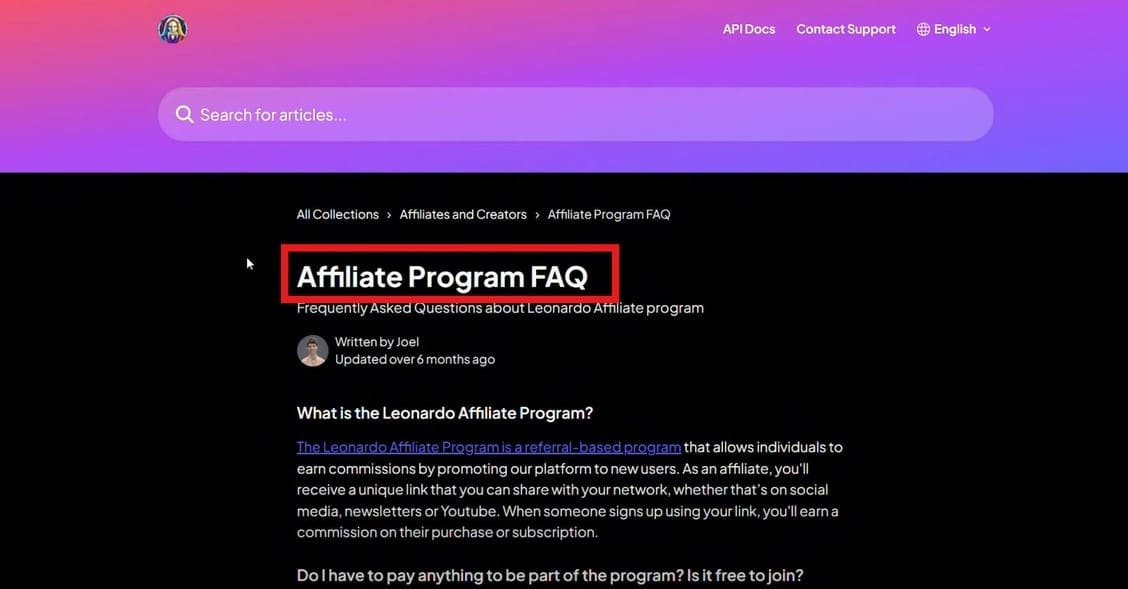
- Recommend Leonardo AI, Huo AI, ChatGPT, and CapCut.
- Earn commissions from affiliate links in your video description.
3. Sponsorships
- Partner with brands once your channel gains traction.
- Use Grapevine or Channel Pages to find sponsors.
4. Merchandising
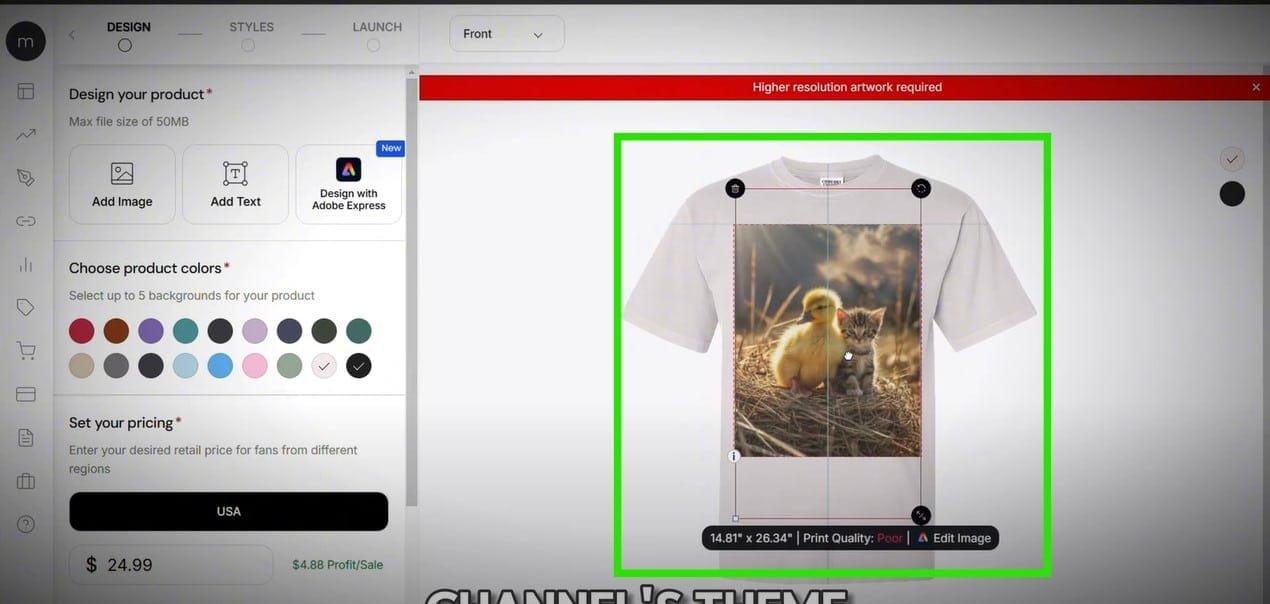
- Sell custom t-shirts, mugs, or posters via Teespring or Printful.
5. Sell Your YouTube Channel
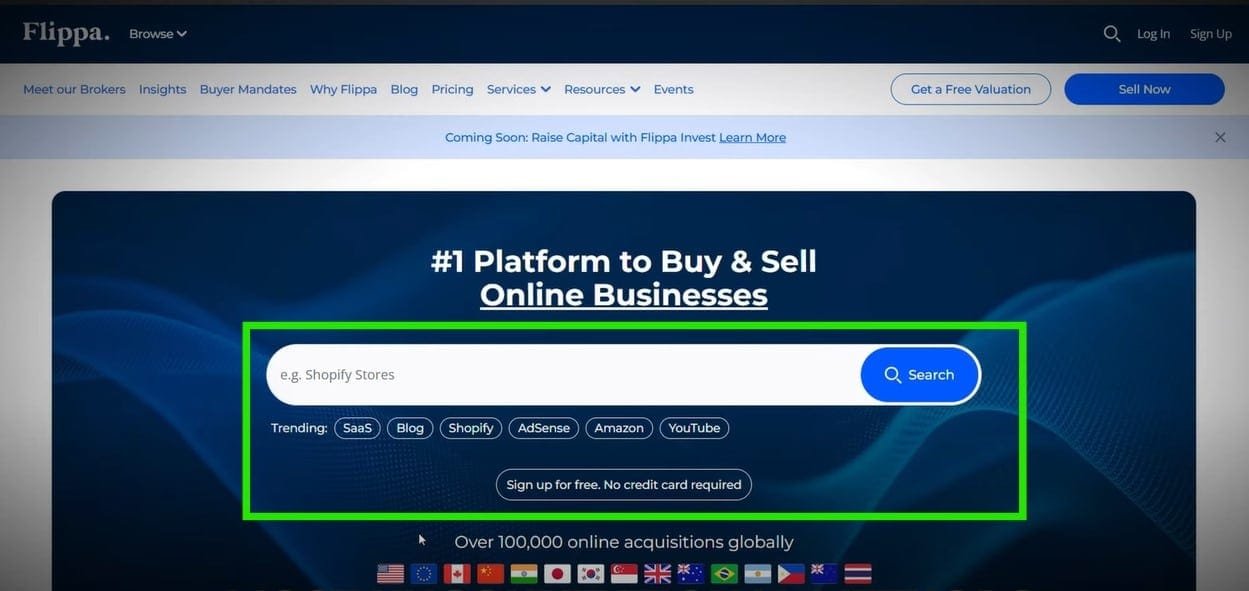
- If your channel has a strong following, sell it on Flippa.
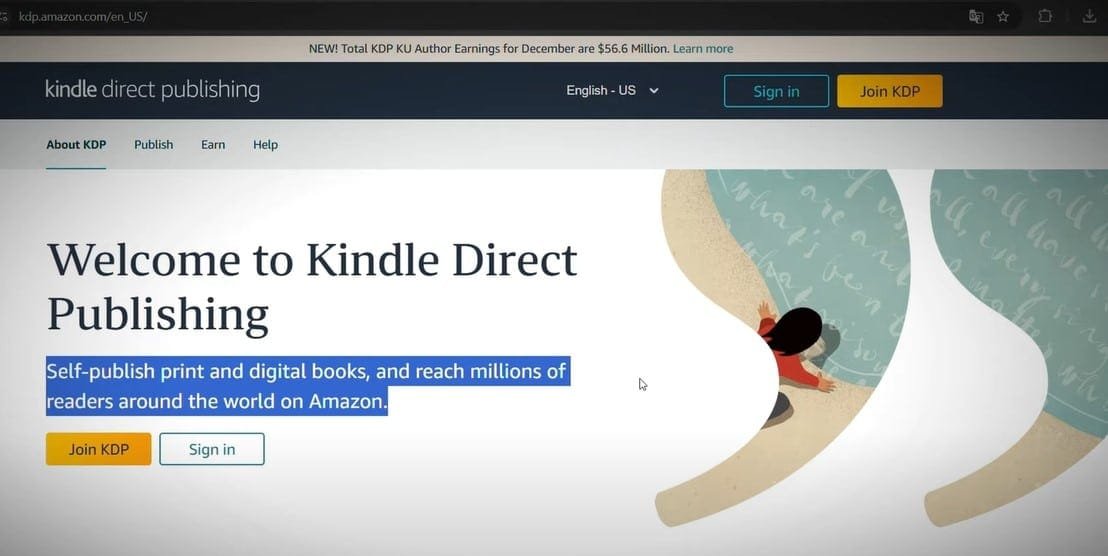
6. Publish a Children’s Book
- Use your AI-generated stories and visuals.
- Publish on Amazon KDP or Apple Books.
Want to start making viral AI videos? Get creative, experiment with AI tools, and start posting!
Conclusion
By using these strategies, you can diversify your income and stop relying solely on YouTube ads! Check out the videos on your screen now to dive deeper into Viral AI Videos and take your channel to the next level.
FAQ: Create Viral AI Videos Like Duck’s Quest Using AI
1. What is Duck’s Quest, and why is it viral?
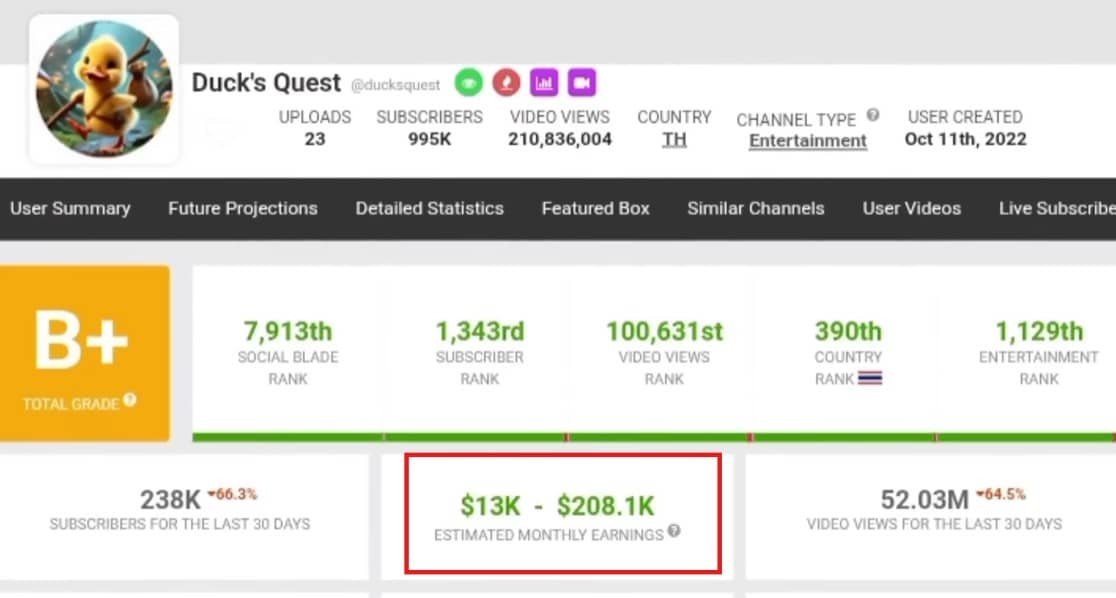
Duck’s Quest is a popular AI-generated video series that blends engaging storytelling with AI animation. It has gone viral due to its unique mix of humor, creativity, and AI-driven visuals, making it stand out in the crowded content space.
2. Can I create similar viral AI videos without coding skills?
Yes! With the right AI tools, you don’t need coding skills to create viral videos like Duck’s Quest. Many AI platforms offer drag-and-drop interfaces and pre-trained models for text-to-video, animation, and voiceovers.
3. What AI tools do I need to make videos like Duck’s Quest?
To create AI-powered viral videos, you can use:
Scriptwriting AI (e.g., ChatGPT, Jasper AI) – for generating engaging stories.
AI Voiceovers (e.g., ElevenLabs, Murf AI) – for realistic narration.
AI Animation (e.g., Runway ML, Kaiber AI) – for visuals.
AI Video Editing (e.g., Pika Labs, Descript) – for refining and enhancing your content.
4. How do I make my AI videos go viral?
To increase your chances of virality:
Create relatable, funny, or emotional content.
Use fast-paced editing to keep viewers engaged.
Optimize with hooks in the first 3 seconds to grab attention.
Add captivating thumbnails and titles to boost clicks.
Post on platforms like YouTube Shorts, TikTok, and Instagram Reels for maximum reach.
5. What’s the best format for viral AI videos?
Short-form content (30-90 seconds) works best for virality. Keep the story fast, engaging, and easy to follow while making sure visuals match the narration.
6. How do I make AI-generated voices sound natural?
Use high-quality AI voice tools with adjustable tone and emotion, like ElevenLabs or Murf AI. Fine-tune pacing and pitch for a more human-like feel.
7. Can I monetize AI-generated videos?
Yes! You can earn from AI videos through:
YouTube monetization (Ads, Super Chats, Memberships)
Brand deals and sponsorships
Affiliate marketing (Promoting AI tools)
Selling digital products related to AI video creation
8. Do I need to worry about copyright issues?
AI-generated content is still a legal gray area, but to stay safe:
Use royalty-free assets (music, images, clips).
Credit sources if required.
Avoid recreating copyrighted characters or trademarks.
9. How much does it cost to create AI videos?
It depends on the tools you use. Some AI platforms are free, while others have paid plans. Expect to spend $20–$100 per month for premium tools if you want higher quality content.
10. How long does it take to create an AI-generated viral video?
With AI tools, you can generate and edit a video in a few hours. However, refining and optimizing for virality may take additional time for scripting, animation, and editing.